



The "Digital Slump": How Your Remote Work Setup is Aging Your Spine
Remote work offers a level of freedom that traditional office environments rarely provide. Many professionals enjoy the ability to manage their own schedules and work from the comfort of their personal spaces. However, this flexibility often comes with physical costs that manifest as chronic discomfort. The convenience of a home office does not automatically translate to physical health.
The term "Digital Slump" refers to a specific postural collapse common among computer users. It involves rounded shoulders, a collapsed chest, and a forward-leaning head position during long work sessions. This habit forces the musculoskeletal system to support weight in ways it was not designed to handle. Over time, this poor postural alignment for remote workers leads to accelerated spinal aging and the compression of intervertebral discs.
Why "Working from the Couch" is a Spinal Nightmare
Soft furniture lacks the structural integrity needed to support the natural curves of the human back. When you sit on a sofa, your pelvis often tilts backward, causing the lower back to flatten or round excessively. This section examines how informal work settings contribute to long-term spinal degradation.
- Lack of Lumbar Support: Sofas do not provide the firm resistance needed to maintain the inward curve of the lower spine. Without this support, the muscles in the lower back must work overtime to keep the torso upright. This leads to rapid muscle fatigue and increased pressure on the spinal bones.
- Improper Eye Level: Using a laptop on your lap forces your neck into a sharp downward angle. The Journal of Chiropractic Medicine notes that for every inch the head moves forward, its effective weight on the spine increases by 10 pounds. This constant strain weakens the ligaments that hold the neck together.
- Pelvic Instability: Soft cushions allow the hips to sink, which puts the pelvis in an uneven position. This instability travels up the kinetic chain, causing the mid-back to hunch to compensate for the lack of a solid base. Constant sedentary back pain is often a direct result of this.
- Restricted Blood Flow: Deep, soft seating can compress the tissues behind the thighs and knees. This restriction slows down circulation to the lower extremities and the lower spinal region. Proper blood flow is essential for delivering nutrients to the discs that cushion your spinal vertebrae.
- Static Muscle Loading: Remote workers often stay in one position longer than office workers because there are fewer natural interruptions. Holding a hunched position on a couch creates static tension. This tension causes the muscles to tighten and pull the spine out of its healthy, neutral shape.
- The Laptop Lean: Working on a low surface encourages a "C-shaped" spine rather than an "S-shaped" one. This curve puts immense pressure on the front of the spinal discs. Prolonged sitting in poor positions is a leading cause of premature disc bulging.
Red Flags: Signs Your Spine is Aging Faster Than You Are

Spinal aging is often silent until the damage becomes significant. Identifying early warning signs allows for intervention before the "Digital Slump" becomes a permanent physical deformity. Pay attention to how your body reacts to your home office ergonomics setup throughout the day.
- Frequent Tension Headaches: Pain that starts at the base of the skull and moves forward is a major warning sign. This often stems from "Text Neck," where the suboccipital muscles are overworked from holding a heavy head at a forward angle. These headaches signal nerve and muscle distress.
- Numbness in Hands: If you feel tingling or "pins and needles" in your fingers, your spine may be compressing nerves. The nerves that control your arms exit through the cervical spine. A slumped posture narrows these exits, pinching the nerves and causing nerve compression symptoms in the extremities.
- Reduced Range of Motion: Difficulty turning your head to check your blind spot while driving suggests spinal stiffness. When the spine ages prematurely, the joints become inflamed and less fluid. This lack of flexibility is a hallmark of a spine that has been stressed by poor habits.
- Chronic Mid-Back Sharpness: A burning sensation between the shoulder blades indicates that the upper back muscles are overstretched. In a digital slump, these muscles are constantly being pulled apart. Eventually, they develop painful "trigger points" that make sitting upright for any length of time nearly impossible.
- Visible Postural Shifts: Looking in a mirror and seeing your ears forward of your shoulders is a clear red flag. This physical change shows that your ligaments have begun to "creep" or stretch permanently into a slumped shape. This is a visible sign of accelerated spinal aging.
- Morning Stiffness: Feeling exceptionally stiff when you first wake up can indicate that your spine is struggling to recover overnight. While some stiffness is normal with age, excessive back pain in the morning often links back to the mechanical stress placed on the spine the previous day.
The Anatomy of a Spine-Friendly Workspace
A professional workspace must prioritize the mechanical needs of the body over aesthetic appeal. Creating a neutral environment reduces the workload on your muscles and bones. Use these guidelines to establish a back-safe remote work environment that protects your long-term health and mobility.
- Screen Height Alignment: The top third of your computer screen should be at eye level. This prevents the head from tilting up or down, keeping the cervical spine in a neutral position. Using a laptop riser or external monitor is essential for achieving this ergonomic workstation height.
- 90-90-90 Rule: Your elbows, hips, and knees should all be bent at roughly a 90° angle. Feet must rest flat on the floor or a footrest to take the weight off the lower back. This configuration distributes your body weight evenly across your skeletal frame.
- Lumbar Firmness: Use a chair that has a built-in curve that fits into the small of your back. If your chair is flat, a small rolled-up towel or a dedicated lumbar pillow can fill the gap. This support maintains the natural arch of the lower spine.
- Armrest Utility: Armrests should be adjusted so your shoulders stay relaxed and your elbows stay close to your body. If the armrests are too high, they shrug your shoulders; if too low, they cause you to lean. Correct height prevents upper back muscle strain.
- Keyboard and Mouse Proximity: Keep your input devices close enough so you do not have to reach forward. Reaching causes the shoulder blades to slide away from the spine, leading to a hunched upper back. Your wrists should remain straight and neutral while typing or clicking.
- Adequate Lighting: Poor lighting causes you to lean forward to see your screen or documents better. Ensure your space is well-lit to prevent this unconscious "hunching" habit. Proper lighting supports good posture by allowing you to sit back and still see clearly.
Tips to Breaking the Slump
Fixing your environment is only half the battle; you must also change how you move within that environment. Active habits can reverse some of the effects of occupational spinal stress. These strategies help reset your body and prevent the "Digital Slump" from taking hold permanently.
- The 20-Minute Movement Rule: Set a timer to stand up or stretch every 20 minutes. Even a 30-second break breaks the cycle of static loading on your spinal discs. Movement encourages the flow of synovial fluid, which lubricates your joints and keeps them moving smoothly.
- Chest Opening Stretches: Stand in a doorway and place your forearms on the frame, then lean forward gently. This stretches the pectoral muscles that become tight and short during a slump. Opening the chest makes it much easier to pull your shoulders back into a neutral spinal posture.
- Chin Tucks: Without tilting your head up or down, gently pull your chin straight back as though creating a double chin. This exercise strengthens the deep neck flexors that support your head. It is one of the most effective ways to combat "Forward Head Posture."
- Hydration for Discs: Drink plenty of water throughout the day to keep your spinal discs hydrated. These discs are mostly water and act as shock absorbers for your vertebrae. Dehydrated discs are thinner and more prone to injury or "bulging" under the pressure of sitting.
- Standing Desk Intervals: If possible, switch between sitting and standing every hour. Standing engages your core and glutes, which provides a break for the muscles used during sitting. Ensure your standing desk ergonomics are just as precise as your seated setup to avoid new pains.
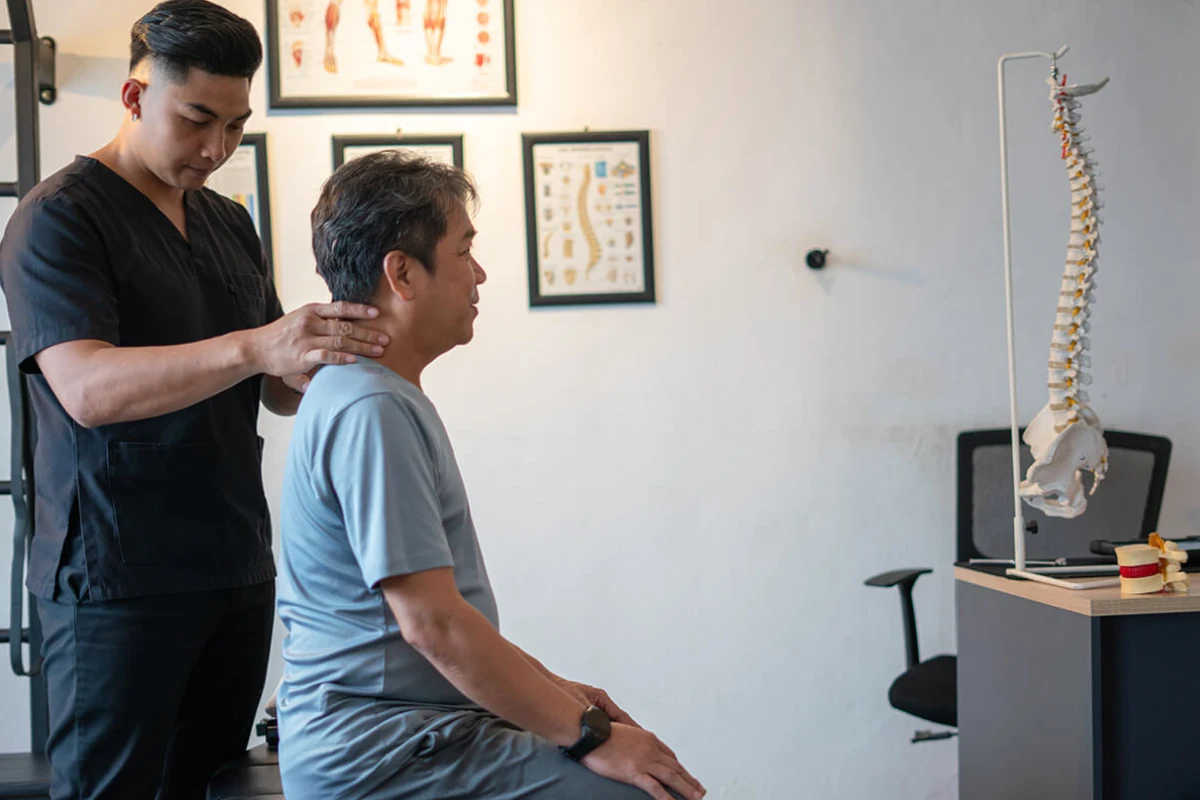
- Professional Alignment Checks: Regular visits to a specialist can identify misalignments before they become chronic issues. A chiropractor can provide manual adjustments to restore joint mobility that has been lost to poor habits. This professional care is a vital part of spinal health maintenance.
The transition to remote work does not have to result in a compromised spine. By understanding the mechanics of the "Digital Slump," you can take active steps to protect your physical longevity. Small changes to your seating, screen height, and daily movement patterns create a foundation for a pain-free career. Prioritizing your spinal health today ensures that your body remains as flexible and capable as your work-from-home schedule.
Ignoring persistent back and neck pain allows minor issues to develop into permanent structural changes. If you notice your posture is slipping or discomfort is becoming a daily occurrence, professional intervention is necessary. Address these concerns early to keep your spine young and resilient. For expert spinal care and postural correction, reach out to Urban Care Chiropractic at (312) 841-5500 to schedule your consultation.